REVIEW · MONT TREMBLANT QUEBEC
Mont Tremblant: Virtual Reality Gaming Session
Book on GetYourGuide →Operated by Arcade Virtual Reality Tremblant · Bookable on GetYourGuide
Rainy day? Fix it with VR. This experience is interesting because you can jump into VR solo or multiplayer using a big 35+ game library, with staff stepping in fast. I love the way the team helps from the first minute and keeps the session moving, even if you’re new to headsets. One drawback: if you want time to learn multiple games, consider the hour option instead of 30 minutes.
You’ll also like the fact that it’s an indoor Tremblant activity that works for different ages, from family sessions to teen fun. The sessions run with a small group size (limited to 4 participants), so you’re not fighting for attention. Plus, non-playing family members can watch on dedicated screens, which makes it easier to plan group time.
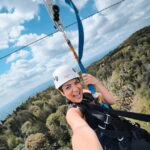
I found the location practical too: it’s right next to the Fairmont Hotel, and it’s easy to reach through the tunnel from Place St Bernard. With staff speaking English and French, you can get setup help without a language headache.
In This Review
- Key Points Before You Go
- What You’re Really Booking at Tremblant’s VR Center
- Finding the Center: Next to the Fairmont Hotel
- 30 Minutes vs 1 Hour: How Much Time You Need
- Your Session Flow: Getting Set Up and Picking Games
- Multiplayer Stations and Watching From the Sidelines
- What Makes the Games and Tech Feel Worth It
- Comfort, Safety, and Age Rules That Matter
- Budget and Value: Is $34 a Good Deal?
- Who This VR Session Suits Best
- Practical Tips to Make Your Session Go Smoothly
- Should You Book This VR Session in Tremblant?
- FAQ
- Where is the VR center in Tremblant?
- How long are the VR gaming sessions?
- Can we play together with friends or family?
- Are soft drinks included?
- What are the age limits?
- Is the VR center wheelchair accessible?
Key Points Before You Go
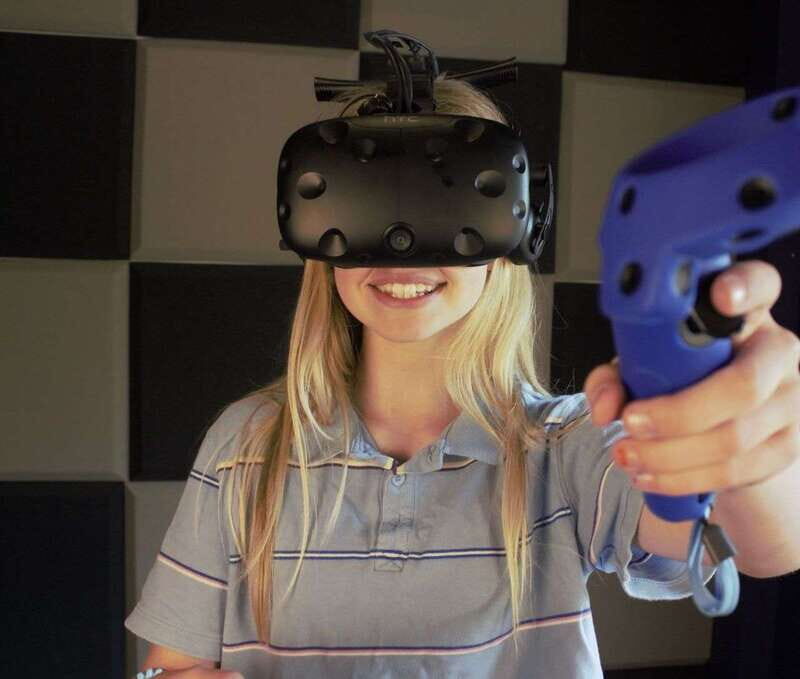
- 35+ games available during your session, so you’re not stuck with just one experience
- Solo or multiplayer, and multiplayer needs booking 2+ stations
- Small group size (up to 4 participants) for smoother help and less waiting
- Staff assistance matters, especially for first-timers
- Dedicated viewing screens for non-playing family members
- Choose 30 or 60 minutes, and the hour is a better fit if you want to try multiple games
What You’re Really Booking at Tremblant’s VR Center
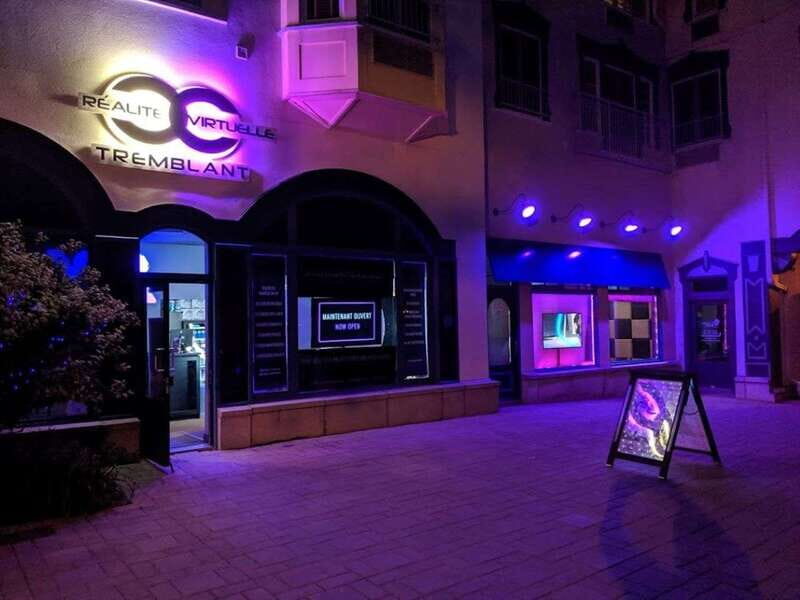
This isn’t a “watch a show” kind of attraction. You’re stepping into a VR gaming center where your time is about getting in, learning the controls, and trying games from a large library. The best part for me is the flexibility: you’re not locked into one storyline or one activity. With access to the entire VR game library, you can bounce between experiences and figure out what you like.
Another big reason this works well in Tremblant is simple: it’s an indoor option. If weather or schedule throws you off, you’ve still got something active and fun right by the resort core. It’s also a good way to break up a day of mountain air and walking with something that feels different.
And because the sessions are limited to four participants, the staff can actually help you. That matters more than people think. In VR, getting your headset adjusted and understanding what to do next can make the difference between fun and frustration.
You can also read our reviews of more tours and experiences in Mont Tremblant Quebec.


Finding the Center: Next to the Fairmont Hotel
The VR center sits next to the Fairmont Hotel at Tremblant Resort, reached through the tunnel from Place St Bernard. That’s a plus if you’re already walking around the village area. You’re not trying to find some hidden building in the woods after a long day.
Parking is straightforward too:
- There’s a small paid parking option right in front of the center.
- There’s also a larger free parking area at P1 (seasonal), at the base of the resort.
If you’re driving, I’d recommend giving yourself a little extra time for finding P1 during peak periods. The center is easy to get to, but Tremblant traffic and pedestrian movement can slow things down.
30 Minutes vs 1 Hour: How Much Time You Need
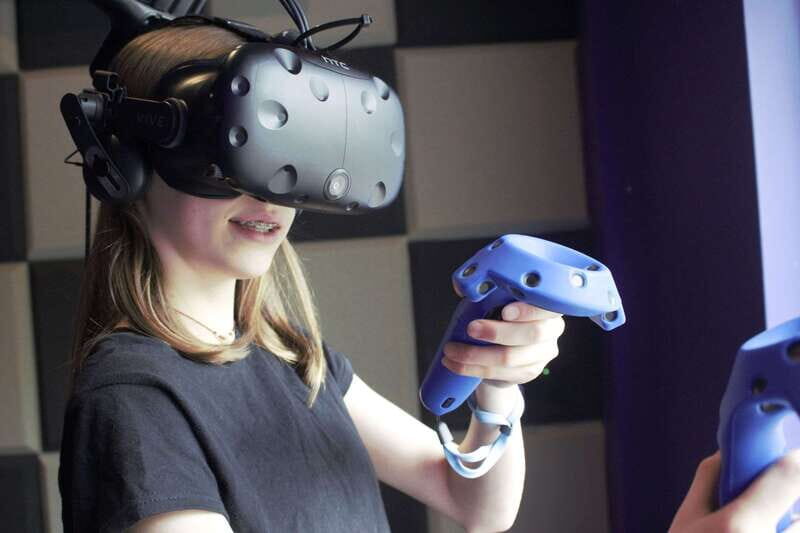
You can book either a 30-minute or 1-hour session. The shorter option is fine if your goal is just to try VR once and get a couple games in. But if you want to do more than one experience and get comfortable with controls, the hour is the wiser choice.
This lines up with real-world feedback from people who booked 30 minutes and still enjoyed it. The main message: figuring out games takes time, especially at the start. If you’re with teenagers or a family group, it’s common to lose a few minutes adjusting and learning. Then suddenly your half hour is gone.
So here’s the practical way I think about it:
- 30 minutes = best for one or two games, quick setup, and a “try it and move on” vibe.
- 1 hour = better for multiple games, more experimentation, and less rushing.
Your Session Flow: Getting Set Up and Picking Games

Your visit starts when you arrive at the VR center. Friendly staff greet you, explain how the equipment works, and get you set up. From there, you head into VR gaming right away. The key thing is you have access to the entire library of VR experiences (35+ games), and you can try as many as you wish during your allotted time.
Staff assistance is a real highlight here. When you’re dealing with controllers and movement in a virtual space, the fastest path to having fun is a quick, clear “do this next” from the team. One example from the experience: a staff member named Guy was specifically described as very helpful in getting people started. That’s the kind of support you want on arrival, not ten minutes later.
Also, don’t underestimate the value of guidance when you’re with kids or first-timers. The staff are there to help you have a great time, and you’ll feel it when they help you choose games that match your comfort level and your time.
Multiplayer Stations and Watching From the Sidelines
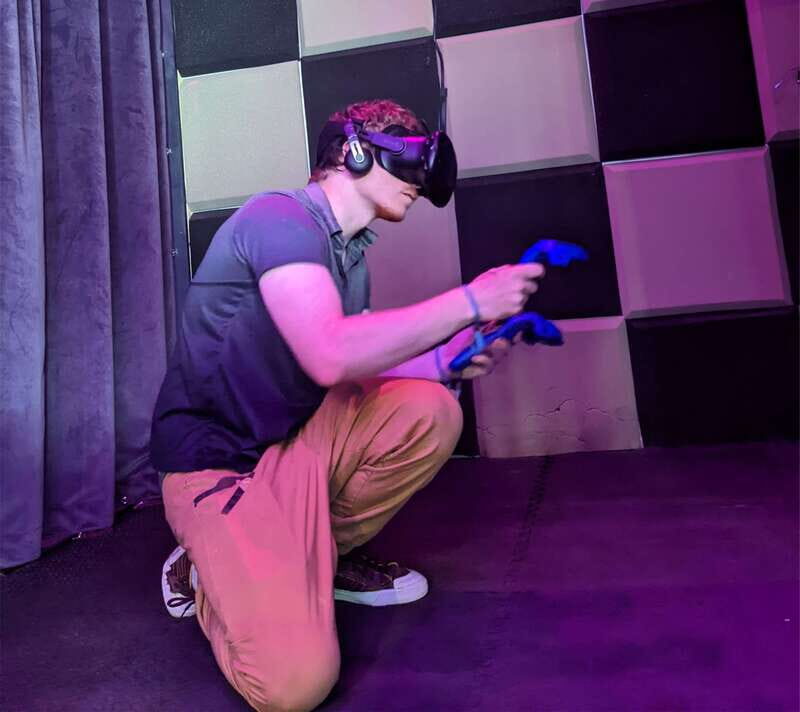
You can play solo or team up with friends and family. For multiplayer together, you need to book 2 or more stations. That’s important for planning: if you want everyone playing at the same time, make sure your booking reflects that.
Another thoughtful detail is that non-playing family members can watch you on dedicated station screens. This helps when:
- parents want to be involved without jumping into the headset
- siblings rotate turns
- a child wants to watch first, then try
It’s also just more relaxing. Instead of everyone waiting around with nothing to do, you get a live “watching” moment, like a mini sports event—except the players are fighting robots or exploring virtual worlds.




What Makes the Games and Tech Feel Worth It
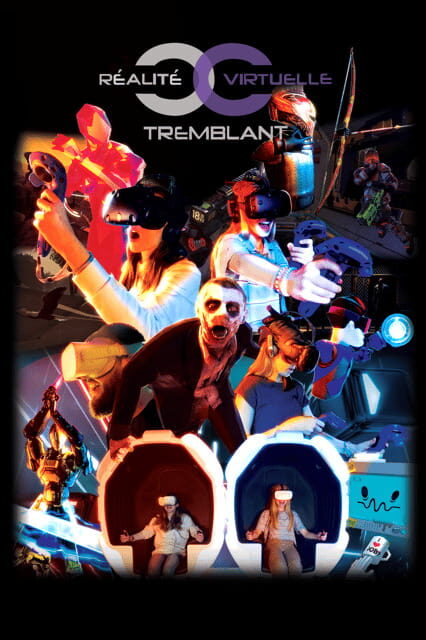
The experience includes the latest technology VR headsets and controllers, and you get access to that whole library during your session. That’s part of why this works as a paid activity: you’re paying for the equipment and the controlled environment, not just a short rental of gear.
The “try as many games as you wish” approach also changes the value equation. At $34 per person, the price can feel either fair or steep depending on how many experiences you squeeze in. With 35+ games available, you’re much more likely to get your money’s worth because you can pivot if something doesn’t click.
And the staff help speeds up the learning curve. If you’re playing for the first time, getting stuck on controls is a fast way to waste minutes. With real help from the team, you spend more of your session actually playing.
Comfort, Safety, and Age Rules That Matter
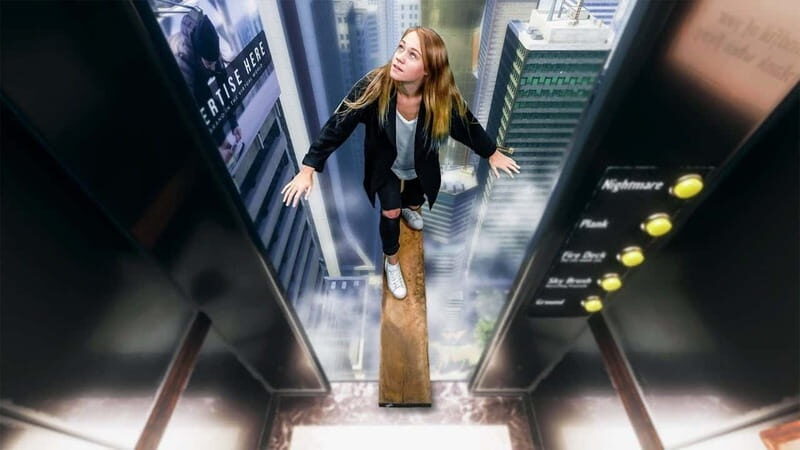
VR isn’t for everyone, and you should treat the safety guidance seriously.
Not allowed:
- alcohol and drugs
Not suitable for:
- children under 7 years
- pregnant women
- people with heart problems
Other age guidance:
- children under 16 years must be accompanied by an adult
From a practical point of view, I’d also consider comfort and nerves. Even if a child is old enough, some kids need time to understand what they’re doing. The good news: you can often start with less intense choices and let staff guide you, and watching from screens gives nervous first-timers an easy way in.
If you’re in the “first time trying VR” category, keep expectations simple: the goal is fun, not perfection. Your headset and controllers will feel awkward at first, and that’s normal.
Budget and Value: Is $34 a Good Deal?
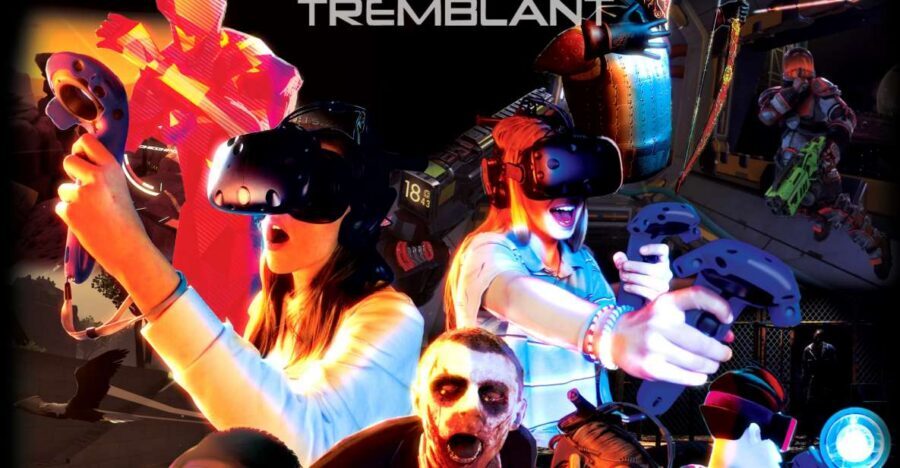
At $34 per person, you’re paying for a short, guided, equipment-based activity with a library of 35+ games. Whether it’s a good value depends on how you use the time.
Here’s what makes it good value:
- You’re not limited to one game. You can try multiple experiences within your session.
- You get latest VR headsets and controllers.
- You have staff support on-site during your visit.
- It’s a rainproof indoor plan in Tremblant, which can save a day when conditions aren’t perfect.
Here’s the part to watch:
- If you book only 30 minutes, you may feel the clock. You’ll likely spend some of that time on setup and learning, and you might not try as many games as you hoped.
If you’re traveling with teens or older kids, the hour option often feels more satisfying because everyone can take turns choosing games without the session feeling like a sprint.
If you’re a couple or a small group, it’s also a good way to share a different kind of activity without needing transport, reservations elsewhere, or complicated planning.
Who This VR Session Suits Best
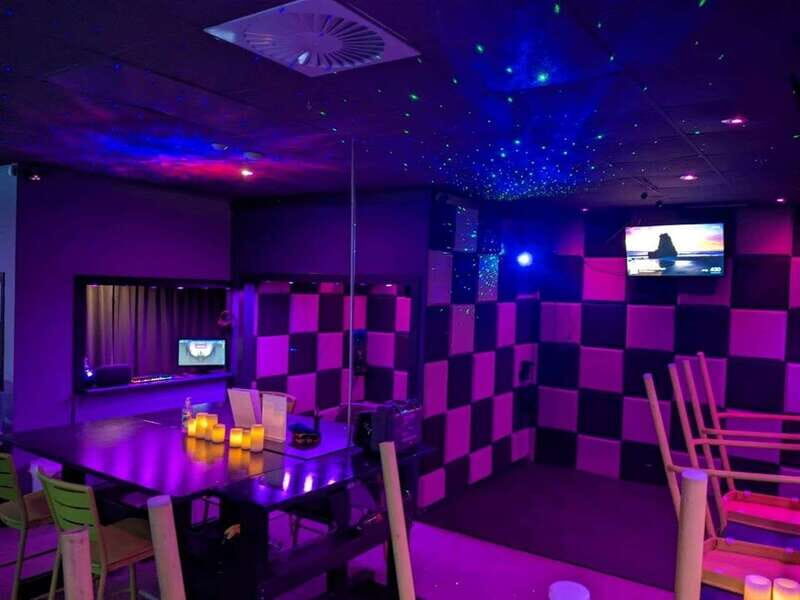
This is especially strong for:
- families looking for an indoor Tremblant activity
- teens who want something hands-on and different
- small groups that want guidance without big crowds
It’s also worth noting that kids enjoy it at the right age. One person shared that they and their 12-year-old daughter loved the session. Another visit involved teenagers, with strong praise for how helpful the staff were.
If your group includes a mix of ages, multiplayer plus watching screens is a nice setup. Some people play; others watch and then swap.
It’s less ideal if you’re traveling with someone who falls into the “not suitable” categories (under 7, pregnancy, heart problems), or if you want a calm, low-activity option. VR gaming is active and fast-paced by nature.
Practical Tips to Make Your Session Go Smoothly
These are small things that help you get more fun out of the time you paid for:
- Arrive a bit early. Setup and instructions take time, and you’ll feel it more in a 30-minute booking.
- Talk to staff during setup. They can help you choose games that fit your comfort and timing.
- If you’re trying it for the first time, expect a short learning curve. The best plan is to pick games you can start easily and then expand.
- For groups who want everyone playing, book 2+ stations. Planning around multiplayer is the only way to guarantee everyone is in the action at the same time.
- If you’re with kids, plan for turns. The viewing screens make waiting feel less awkward, so rotations work better.
Should You Book This VR Session in Tremblant?
I’d book it if you want a weather-proof, indoor activity that’s active, social, and easy to plan. The main reasons to say yes are the large VR library (35+ games), the ability to try more than one experience, and the staff support that helps you actually have fun instead of getting stuck.
I’d hesitate only if you’re convinced that 30 minutes will be enough to learn multiple games. If you’re traveling with teens, or you want a more relaxed pace with time to experiment, go for the 1-hour session. It tends to match how VR actually feels once you add setup time.
FAQ
Where is the VR center in Tremblant?
It’s next to the Fairmont Hotel at Tremblant Resort, reached through the tunnel from Place St Bernard.
How long are the VR gaming sessions?
You can book either a 30-minute or 1-hour session.
Can we play together with friends or family?
Yes. Multiplayer requires booking 2 or more stations so multiple people can play at the same time.
Are soft drinks included?
No. Soft drinks can be purchased separately inside the VR center.
What are the age limits?
Children under 7 aren’t suitable for the experience. Children under 16 must be accompanied by an adult.
Is the VR center wheelchair accessible?
Yes, it’s listed as wheelchair accessible.